
Container Orchestration, Kubernetes and Best Practices

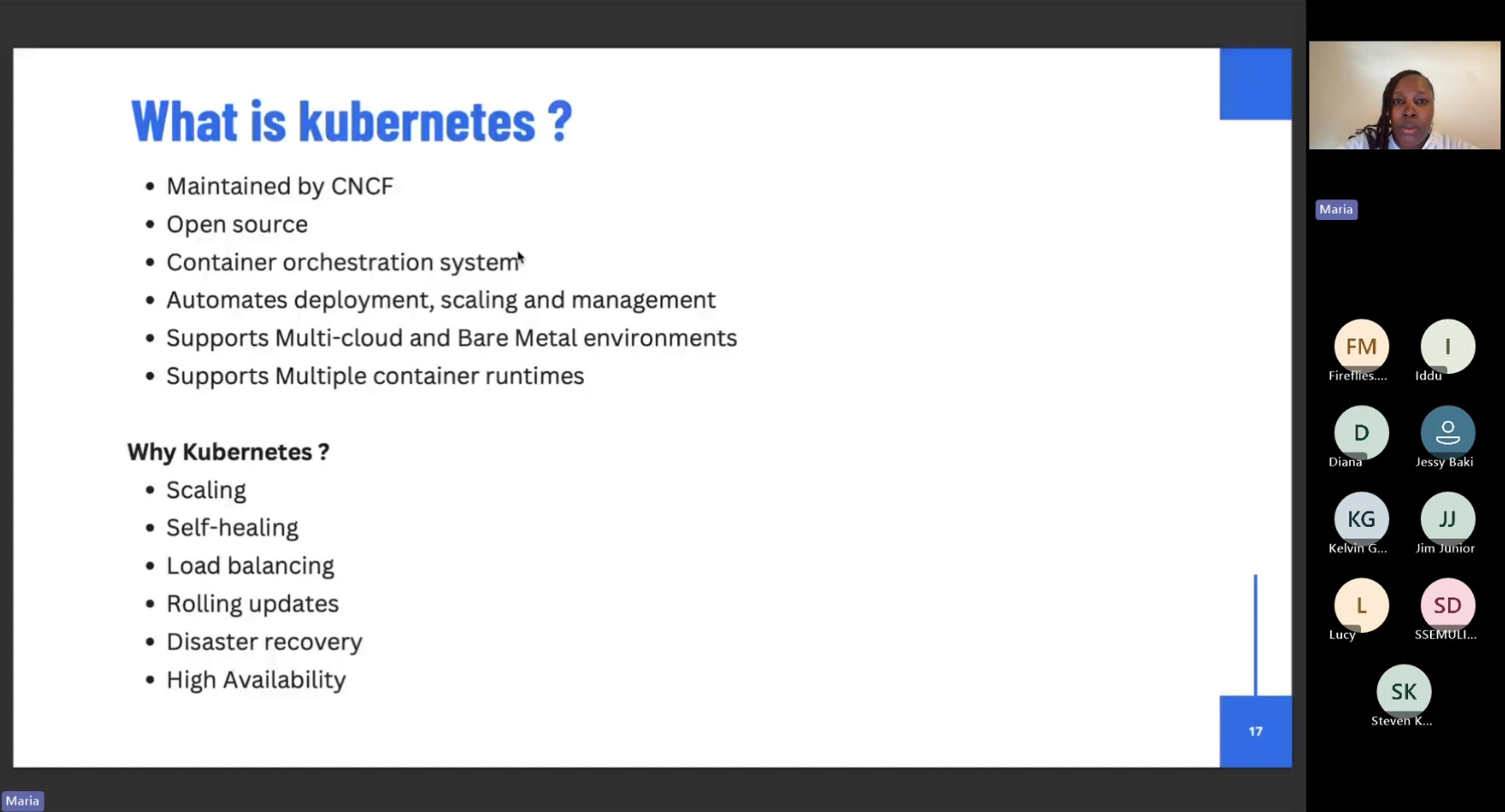
Following up on our previous insightful session on Getting started with containers: Docker and best practices, our latest webinar, "Container Orchestration, Kubernetes, and Best Practices," provided a comprehensive exploration into the world of Kubernetes. Led by our esteemed guest speaker, Maria Nanfuka, the session was an incredible guide to understanding why Kubernetes is essential and how to leverage its power.
Why Kubernetes?
Maria began by highlighting the limitations of Docker Compose for larger-scale applications and introduced the key benefits of Kubernetes as a solution. The primary advantages discussed were:
Scaling: Kubernetes enables horizontal pod autoscaling, vertical pod autoscaling, and cluster autoscaling to manage large volumes of traffic by increasing the number of pods or the size of nodes when the system is under load.
Self-Healing: In the event of an application or pod failure, the Kubernetes control plane is notified, and a new pod is automatically spun up to ensure zero downtime.
Load Balancing & Rolling Updates: The platform intelligently directs traffic and facilitates seamless deployments without any application downtime.
High Availability & Disaster Recovery: Clusters can run across multiple availability zones, ensuring your application remains operational even if one zone fails.
Understanding the Kubernetes Architecture
The session broke down the core components of a Kubernetes cluster, detailing the roles of both the
Control Plane (Master Node) and the Worker Nodes.
Control Plane Components: Maria explained the function of key services, including the ETCD (the cluster's database), the API Server (which handles requests), the Controller Manager (which manages controllers like deployments), and the Scheduler (which schedules pods on available nodes).
Worker Node Components: Each worker node contains a Kubelet (a messenger that communicates with the master node) and a Kube Proxy (which manages inter-pod networking).
Methods for Running a Kubernetes Cluster
Maria presented various ways to set up a cluster, catering to different environments:
Minikube & Kind: Perfect for local development and test environments, these tools allow you to run a single-node cluster directly on your laptop. Maria demonstrated setting up a cluster using Docker Desktop's built-in Kind integration.
Managed Services: Cloud providers offer managed Kubernetes services, which offload the burden of managing the control plane, allowing you to get up and running quickly.
KubeADM & Kubespray: For production environments where you need more control, these tools allow you to set up clusters from scratch.
Navigating the Cluster with kubectl
The webinar included a hands-on demo covering essential kubectl commands and core Kubernetes objects.
Namespaces: Maria showed how namespaces provide a logical separation for your applications within a cluster.
Pods, Deployments, and DaemonSets: The session clarified the difference between a Pod (the smallest unit in Kubernetes), a Deployment (used to manage replicas of pods), and a DaemonSet (which ensures a pod runs on every node). Maria also highlighted the distinction between
kubectl create(for initial resource creation) andkubectl apply(for updating existing resources).StatefulSets: Maria briefly introduced StatefulSets as the ideal object for stateful applications like databases, where each pod needs a dedicated volume.
Key Best Practices
Maria concluded the session with a crucial overview of best practices for maintaining healthy and secure Kubernetes clusters.
Readiness and Liveness Probes: Implement these to ensure your application is ready to receive traffic and remains live.
Resource Requests and Limits: Define these to prevent a single pod from consuming all node resources.
Security: Scan your images for vulnerabilities and use a pod security context to define which users can run a pod.
Logging: Centralize your logs using tools like Datadog or Prometheus for better diagnostics.
Configuration Management: Use tools like Helm or Customize to manage complex deployments in production environments
Watch full recording session on YouTube
Other key references
Source code used - https://github.com/mariamiah/kdc-docker-k8s-demo
Follow Kampala DevOps Community - https://www.linkedin.com/company/kampala-devops-community/
Join WhatsApp Community here - https://chat.whatsapp.com/GOkOhR7yRNBHpb5lAlWP7j?mode=ac_t